Build your own bot.
Forex and crypto, running 24/7.
Not a bot you buy — a place to build one. Start from a template, tune it against the live chart, and run it on a cTrader broker and a Binance Futures account side by side. Your money never leaves the venue it's already in.

 Other forex and crypto venues in build
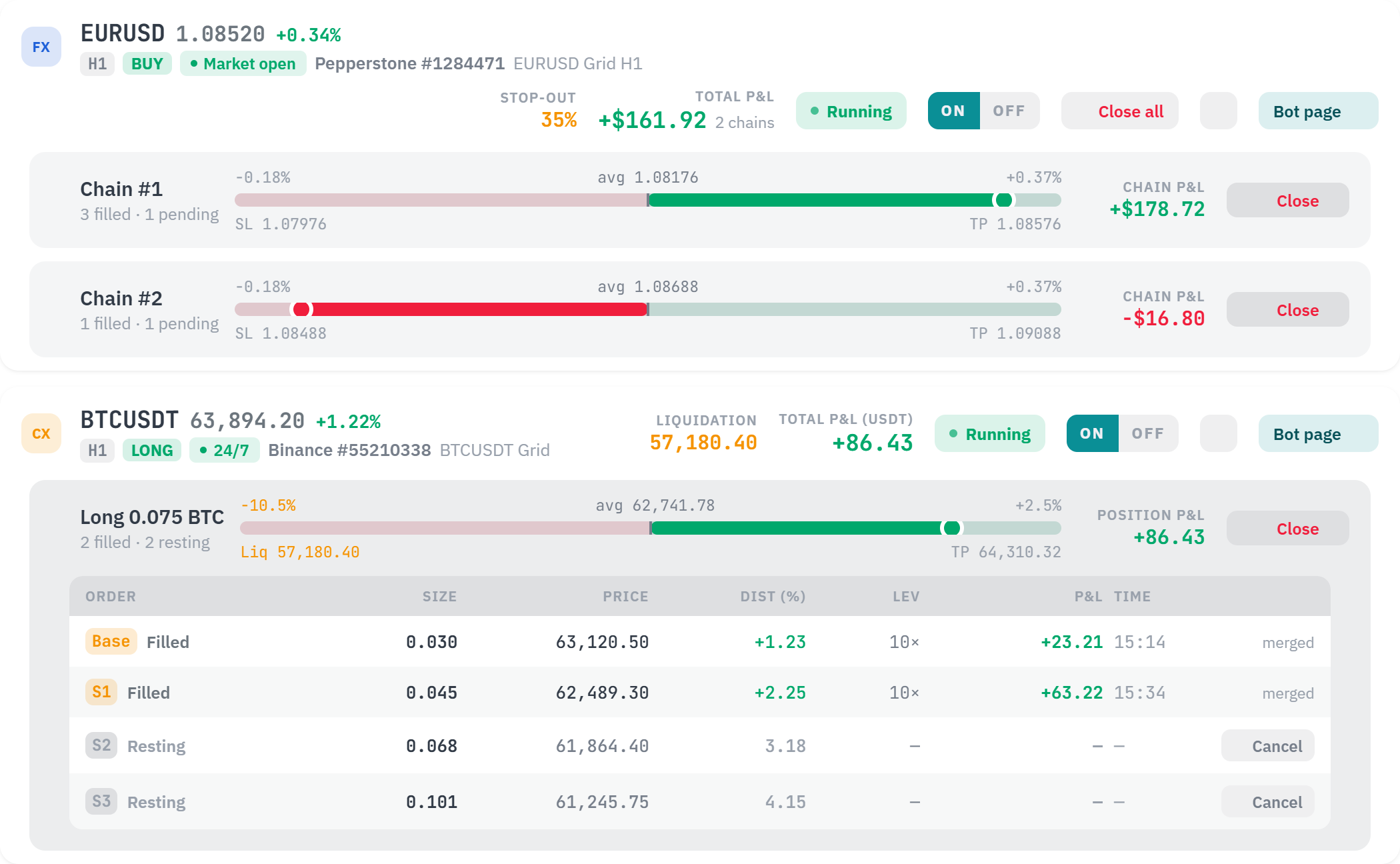 Sample interface — not live data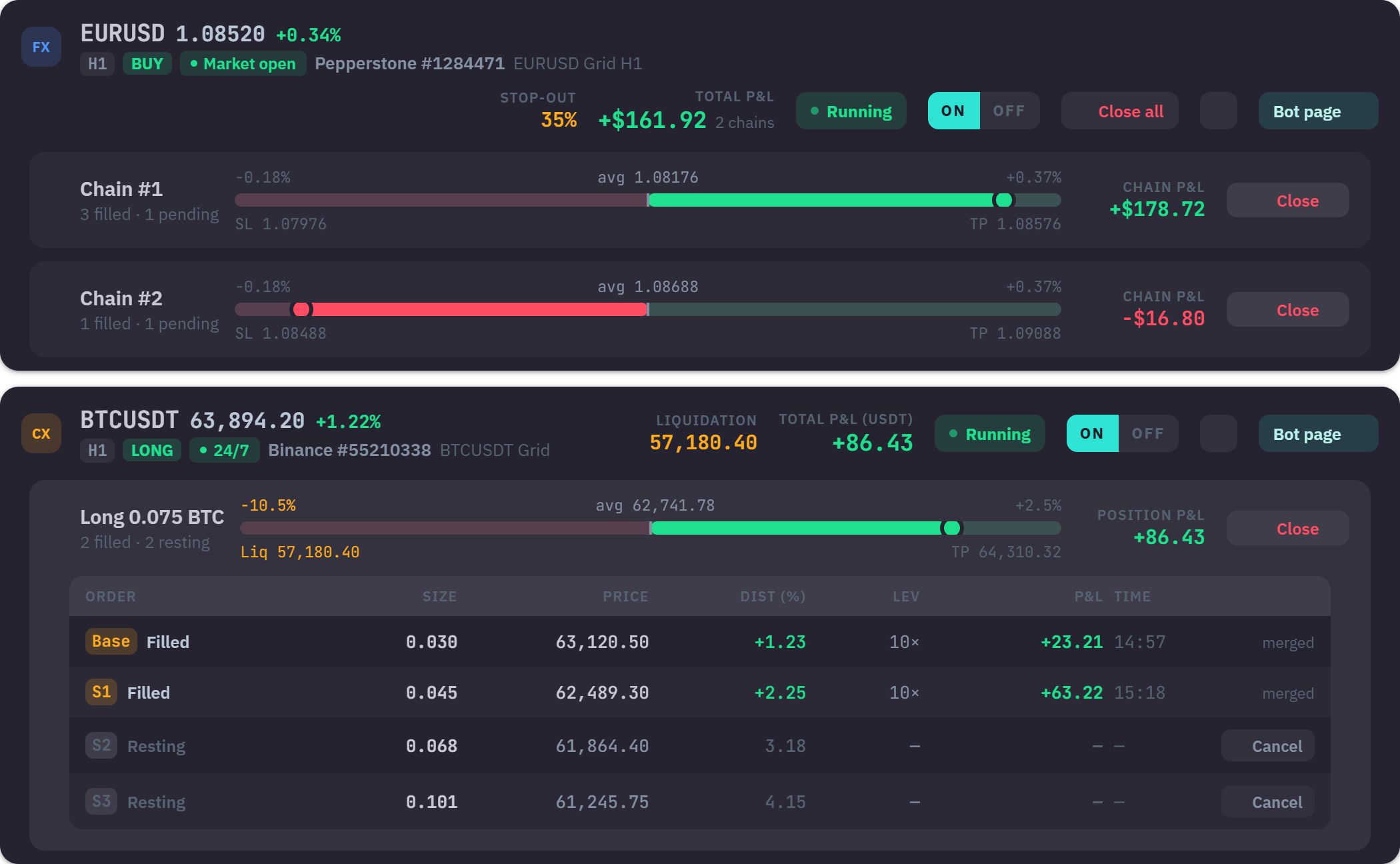
A bot you buy runs on faith. A bot you build here runs on your decisions.
Someone else holds the black box
You wire money to a seller and hope their strategy still works next month. You cannot see the rules, and you cannot change them.
You hold every setting
Symbol, timeframe, filters, ladder, target — you choose each one, and you can see and change every one of them, any time.
Sold on a promise
Marketing pages show a win rate and let you assume the rest. There is no way to check the claim before you have already paid for it.
Tested before it is trusted
Backtest it on real history, then screen it live across a symbol universe — on the same engine that would place the order, before any money is behind it.
From signup to trade
Sign up
Email + password. Takes 30 seconds; confirmation mail arrives instantly.
Connect a venue
A cTrader broker over OAuth, or a Binance Futures key with withdrawals denied. Add as many as you like.
Build your setup
Start from a template or from scratch. Filters, entry, risk and exit are yours to set — independently for each account.
Flip the bot on
Toggle on — the engine session spins up and starts trading on the next tick.
One flow, six decisions, one running bot
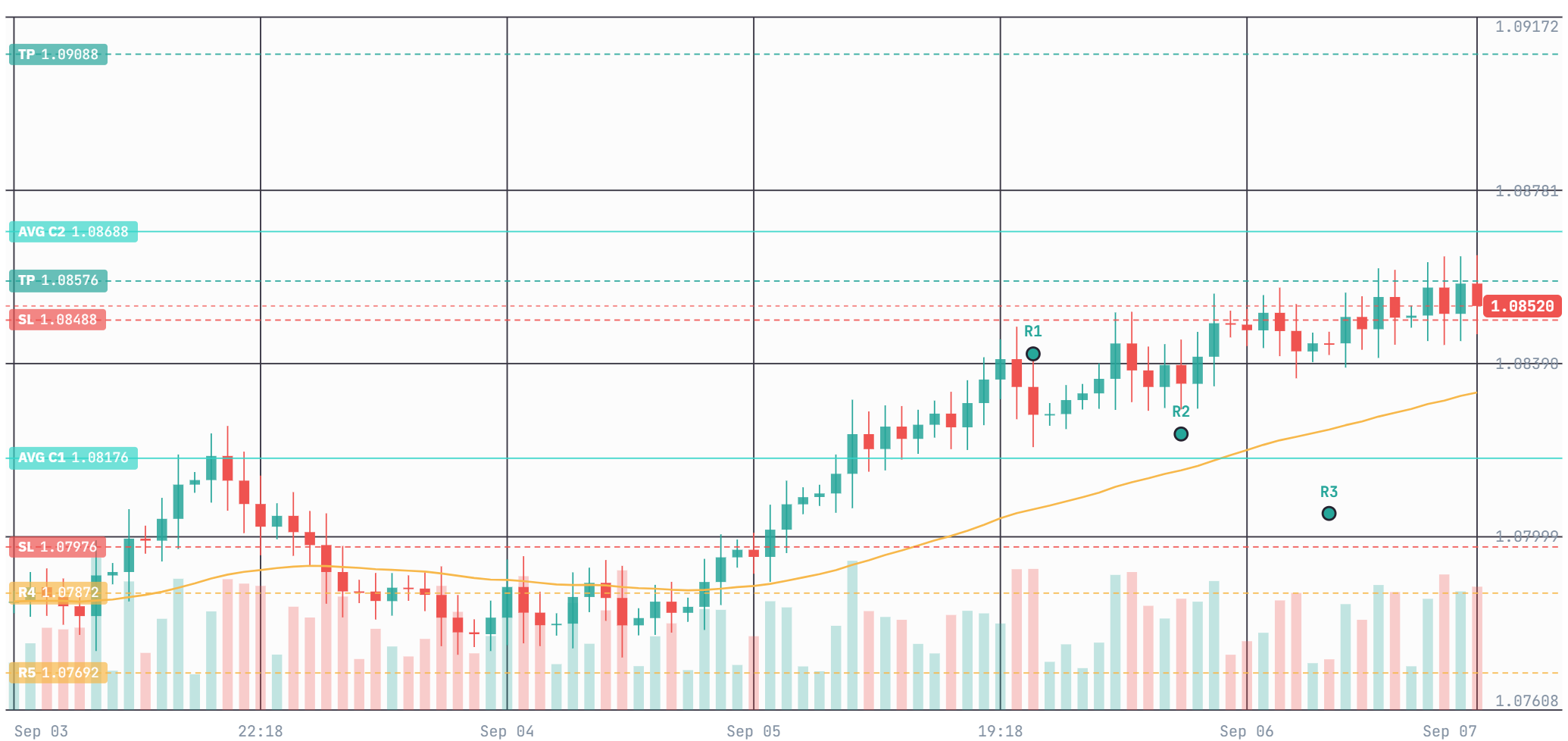
Every step draws itself onto live price: the ladder you are spacing, the stop you are setting, the target that follows your average. You are not filling a form and hoping — you are watching the setup take shape on the chart it will trade.
Nothing is hidden behind a compiled file. Change a filter, and the next tick uses it.
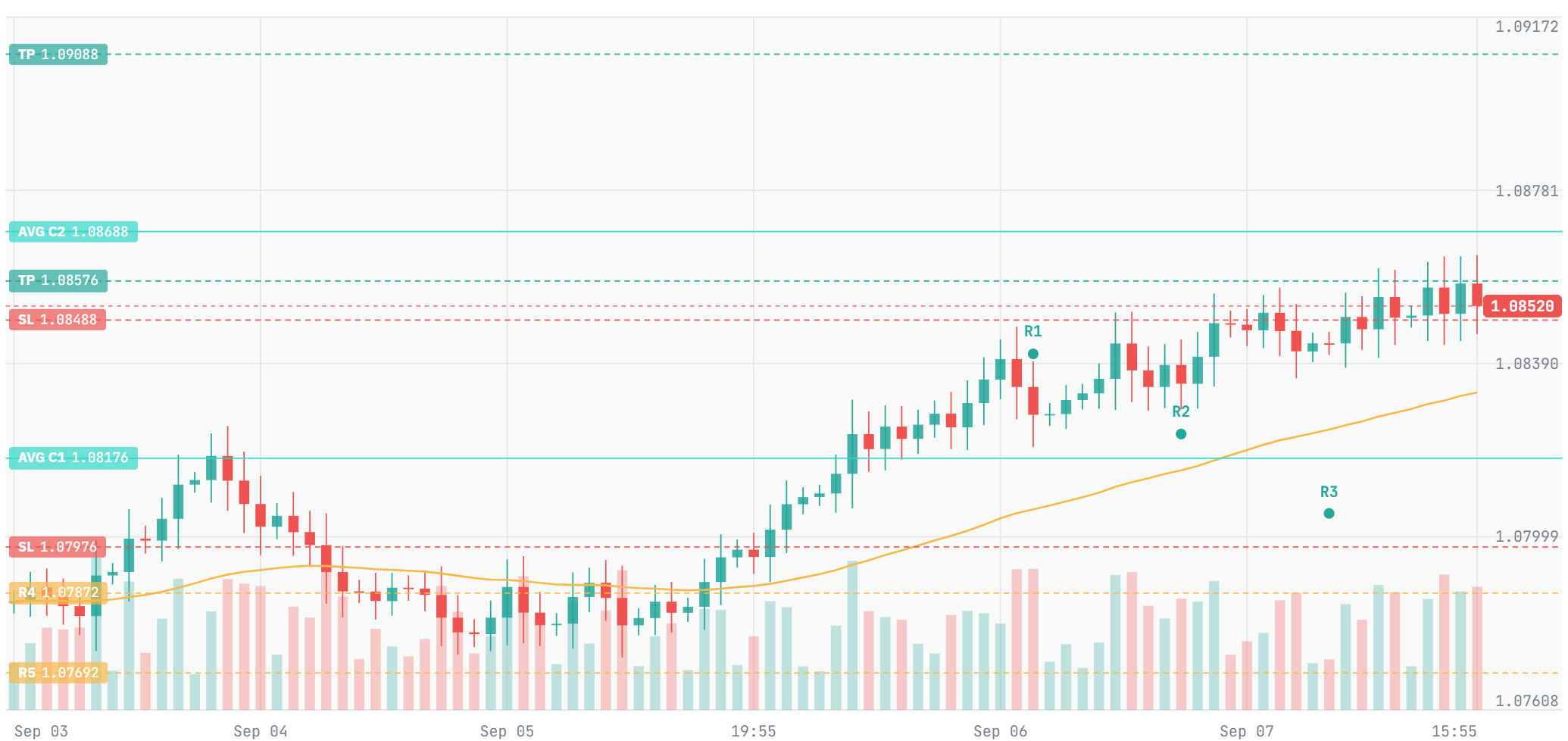
You decide what it looks for
Not one indicator firing. Dozens of filters, each with a weight you set, resolved into a single score before anything is placed. Every filter that passed, every filter that blocked, and the score that resulted — written down for each decision.
See what the engine can measureDrag the bar. The minimum stays where you set it — the bot never lowers its own.
Four sessions, and the hours between them
A forex week opens in Sydney and closes in New York, with London and Tokyo overlapping in between. Crypto never closes at all. Your bot reads every bar in that stretch, including the ones that print while you are asleep.
The proof that one panel really means both markets
This is not a feature list. It is the claim itself: a forex broker and a crypto exchange, connected at the same time, each screen shaped by the market it actually describes.
One authorisation brings in every live and demo account you hold at that broker. Each order stays its own position, so a martingale sequence reads rung by rung.
A trade-only key; one that can withdraw is refused. Fills merge into a single position at a weighted average, so the screen shows the grid beneath it and the distance to liquidation.
Written against the same engine contract as cTrader, so a setup you already run moves across without being rebuilt.
Bybit and OKX follow the Binance adapter, and the same bot carries over. Each venue keeps its own market profile — tick size, funding, contract rules.
Test the idea before it touches a live account
Replay a configuration over real bar history, then ask the opposite question: of everything you could trade, where does this strategy fire right now? Both run on the same engine that would place the order.
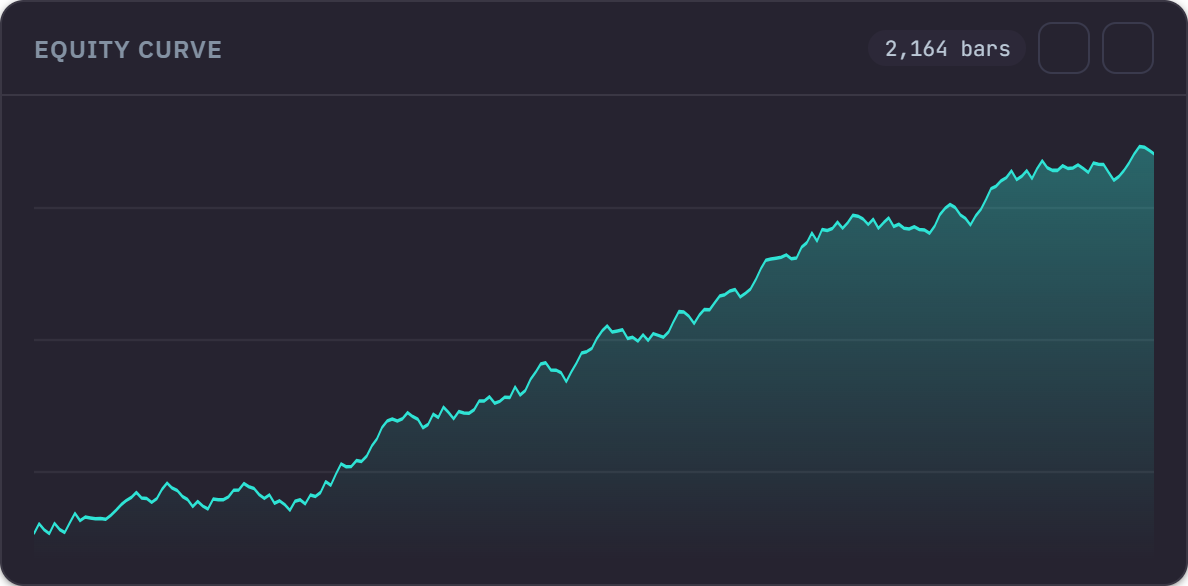
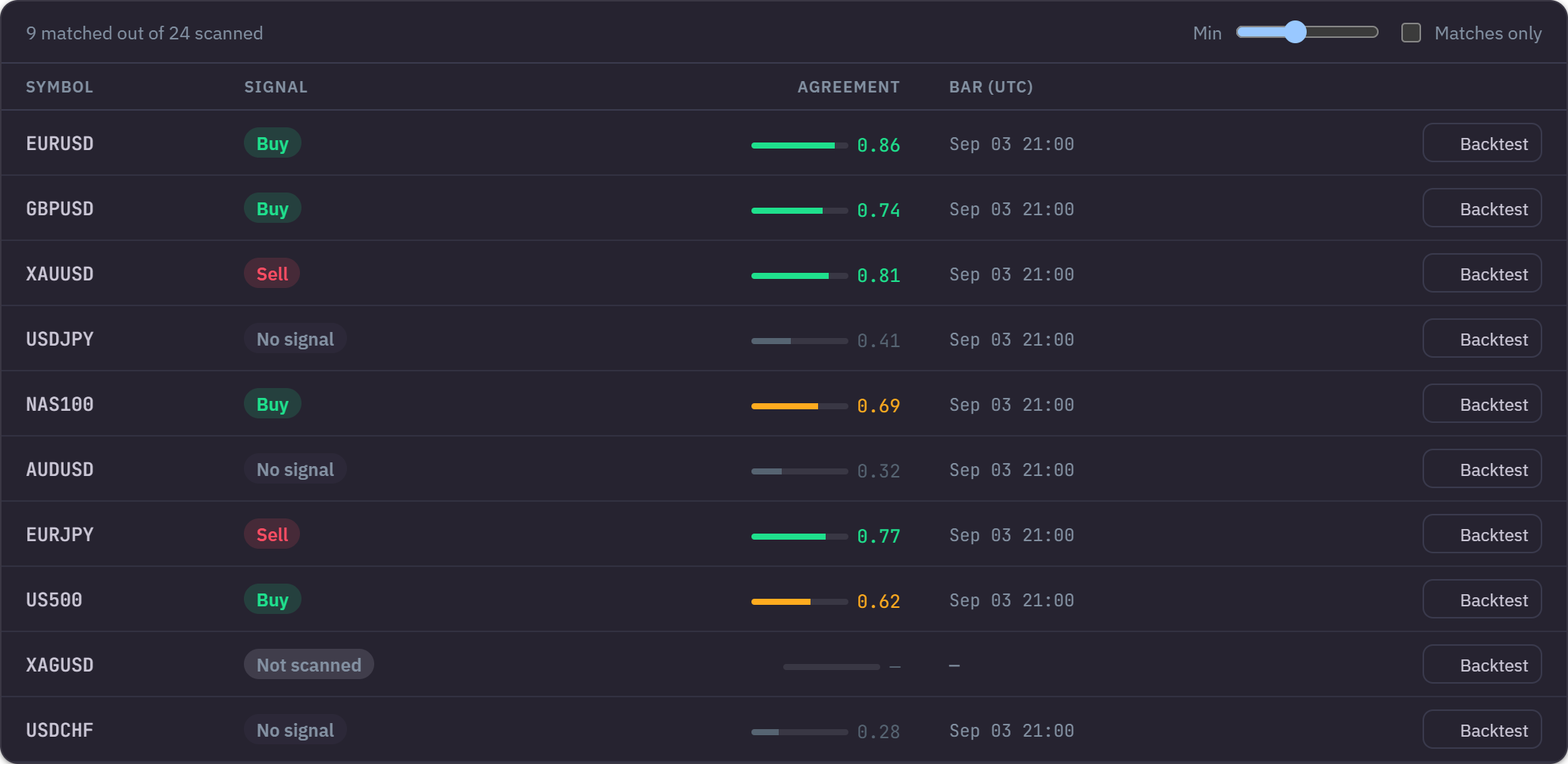
Each screener row is the strategy replayed over that symbol's last closed bar — not a screener rule approximating it.
Start with free credit
Signing up puts credit on your account, and a demo account stays free for as long as you want it — running the identical engine against simulated funds. You can build a setup and watch it work before any money is involved.
See full pricingBefore you connect anything
The help centre goes deeper, and support answers in English and Turkish.
Open the help centreIf you only trade forex through one cTrader broker and already have a compiled cBot, cTrader Cloud may be all you need — it's free and it works. Investion is for the case it doesn't cover: crypto alongside forex in the same panel, a setup you build and change without recompiling anything, and custom indicators running on our side rather than on your own machine.
No. The wizard covers entry, exit, risk and filters without a line of C#. If you do write code, the engine's parameters are all exposed.
No. Your bot runs in the cloud and keeps trading whether or not you are signed in — you can close the tab mid-trade.
Yes. Signing up puts credit on your account, and a demo account is free for as long as you want it, running the identical engine against simulated funds. See the pricing page for exactly what the credit covers.
Any cTrader broker, connected over OAuth through Spotware's own login — Pepperstone, IC Markets, FxPro and others. For crypto, Binance USDT-M futures today.
Yes. Each connected account runs on its own, with its own strategy and its own limits. Live and demo accounts count toward the same plan limit.
Yes, simultaneously. That is the case the product exists for, and both sit in the same panel.
No. Investion is software, and the outcome depends on your setup — which filters you pick, what you run them on, and how you set risk are all your decisions.
Build your first bot in 5 minutes — free to start.
Forex and crypto, one panel. Your funds stay where they are.